
Adding Audio Polish – Training
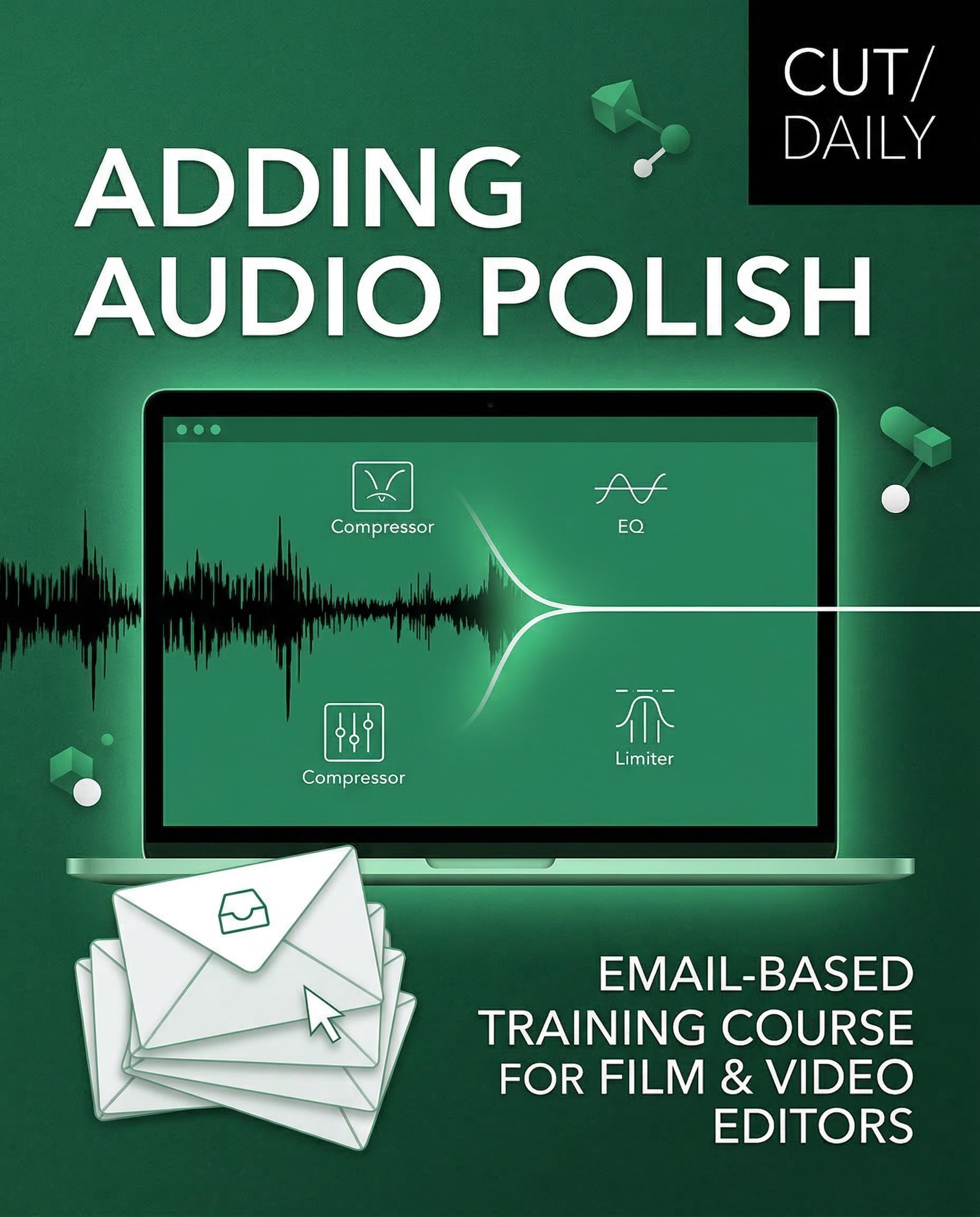
Your edits sound fine. They could sound professional.
Adding Audio Polish is a 5-lesson email course that teaches video editors the complete audio workflow — Dialogue, Music, Sound Effects, Sound Design, and Mixing — so every project you deliver sounds as good as it looks.
$49 | $29 — Limited time launch price
30-day money-back guarantee.
7 emails. One week.
Read in 15 minutes each.
Every Editor's Biggest Challenge...
Every time I ask editors what their biggest challenge is, the answer is always the same.
Sound.
You know how to cut. You know how to tell a story. You've invested years in your craft.
But audio still feels like someone else's job.
So you slap on a music track. You hope the dialogue is clean enough. You nudge a few levels and call it a day—hoping no one notices.
Here's the thing: audio is at least 50% of the viewing experience.
When it's wrong, audiences feel it before they can name it.
When it's right, it disappears — and your edit becomes something they feel rather than just watch.
The gap between "fine" audio and professional audio is not as wide as you think. It's not about becoming an audio engineer. It's about having the right framework, applied in the right order.
That's what this course gives you.
Your Adding Audio Polish training series was absolutely terrific!
It spans the knowledge of an entire college-level curriculum in a succinct fashion for working editors.
You really nailed something that needed to be done- creating a concise, repeatable system- for single person producer/editor workflows like mine.
— David. K – Documentary Editor/Producer
Transformative Results
Before this course:
- Rough dialogue you hope nobody notices
- Music that carries the emotion for the edit, not with it
- Sound effects as afterthoughts
- No idea what LUFS means or how to hit delivery specs
- Audio as the part you rush at the end
After this course:
- Dialogue that's clean, consistent, and clear every time
- Music that enhances the story without dominating it
- Sound effects and design that add real production value
- Mixes that pass QC and sound good on any platform
- A permanent audio checklist you can use on every project from here on
Who you'll learn from
This course draws on insights from some of the most respected names in film and TV sound — because the best way to learn to think about audio is to hear how the professionals think about it, including:
Walter Murch — Sound Designer, Apocalypse Now
“Your impression at the end of the scene is that you've heard everything all the time — but that's what's happening in your head, not on the screen.”
Richard King — Oscar-winning Sound Designer
“Go for the things you'd really want to hear in that moment, and make those great. And then work down from there.”
Erik Aadahl — Supervising Sound Editor/Designer, A Quiet Place
“Sound comes in through the back door. You can be a lot sneakier with manipulation. You can dig into that reptilian part of the human senses and, in a way, with sound become a puppet master of emotions.”
Jack Whittaker — Supervising Sound Editor
“Sound editing is the intention and sound mixing is the truth. It's a great reality check to have a mixer listen through stuff.”
The full course breakdown
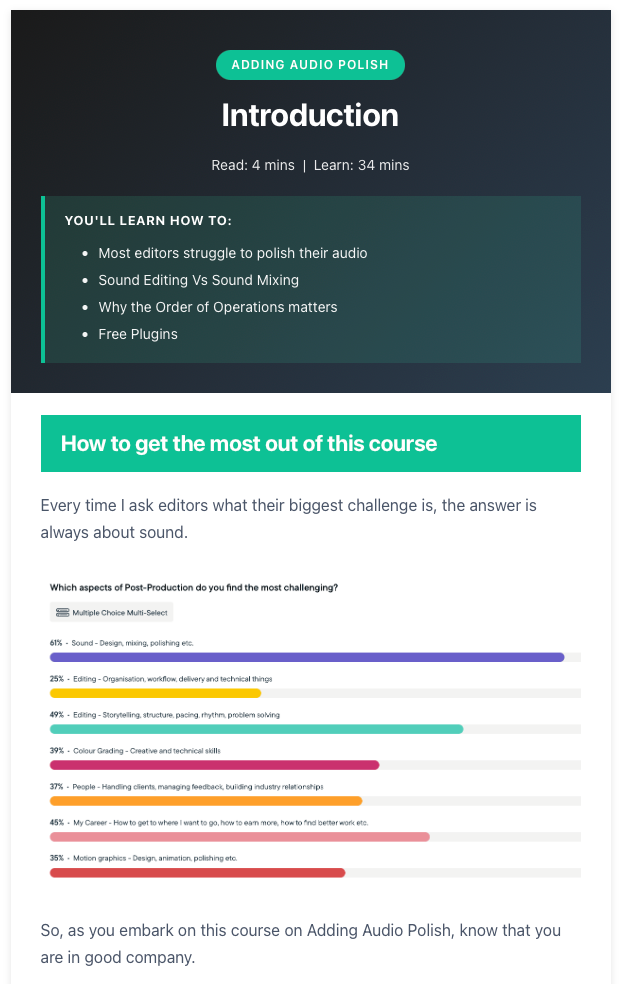
Introduction (4 min read)
Before you touch a single keyframe, understand the two things most editors get backwards: the difference between sound editing and sound mixing, and why the order of operations changes everything.
This single insight will reorganise how you approach audio on every project.
Lesson 1 — Dialogue (9 min read)
The longest lesson, and rightly so. Dialogue is the foundation of every edit.
By the end of this lesson, you'll know how to smooth edits at scale, fill gaps with room tone, apply plugins in the correct order, and rescue a performance in post when the original just isn't good enough.
You'll learn:
- Dialogue editing fundamentals
- Keyframes, dissolves, and tone fill
- The correct order of operations for polishing dialogue
- Frequency enhancement map for voices
- EQ, de-essing, and compression
- Performance stuffing, AI-ADR, and mastering Frankenbites
Lesson 2 — Music (12 min read)
“Change the music” is one of the most common notes editors receive.
This lesson gives you a repeatable process for finding better options, editing them to actually fit your cut, and mixing them so they enhance the emotion rather than overpower it.
You'll learn:
- Building a music selection process
- Spotting — when, where, and whether to use music
- Editing for arc and variety
- Re-composing with stems
- Notching and worldizing for a natural fit
- Mixing music under dialogue
Lesson 3 — Sound Effects (11 min read)
Sound effects are one of the most underused tools an editor has — and one of the cheapest ways to add real production value.
You'll learn where to source them, how to design them, and how to blend them so they feel like part of the world rather than placed on top of it.
You'll learn:
- Free and paid libraries (curated list included)
- Building and organising your personal library
- The Foundation · Details · Sweeteners framework for designing effects
- Foley — when recording your own is faster
- Blending, transitions, and story sounds
- An honest take on AI-generated sound effects
Lesson 4 — Sound Design (8 min read)
The most underestimated layer of the mix.
Great sound design is mostly invisible — it works on the audience subconsciously, telling them what to feel before they know why they feel it. And the most powerful tool in it isn't a plugin. It's silence.
You'll learn:
- Using sound to solve storytelling problems
- Background beds vs. specific effects
- Emotion over realism
- The strategic use of silence
- Building an inspiration archive
- Professional turnover workflow and AAF export settings
Lesson 5 — Mixing (9 min read)
Now everything comes together.
You'll learn Walter Murch's 2.5-layer rule, how to lead with dialogue, how to create dynamic movement that keeps audiences engaged, and exactly what LUFS targets you need to hit for YouTube, Netflix, broadcast, and social.
You'll learn:
- Mixing principles and dynamics
- Clarity as the central objective
- Level guidelines for every stem
- Understanding Peak, RMS, and LUFS
- Platform delivery standards
- Blending techniques and bus processing
- An honest take on AI mixing tools
Bonus — Audio Checklist (2 min read)
A complete audio polishing checklist for every project — from setup and organisation through to final QC — so you never miss a step again.
Includes access to an evolving Google Doc version of the course to keep as a permanent reference.
This short and succinct series has been my best introduction to audio as an editor who has come from more of an online background, who occasionally needs to fix and sort audio issues.
— James Hawkes, Editor
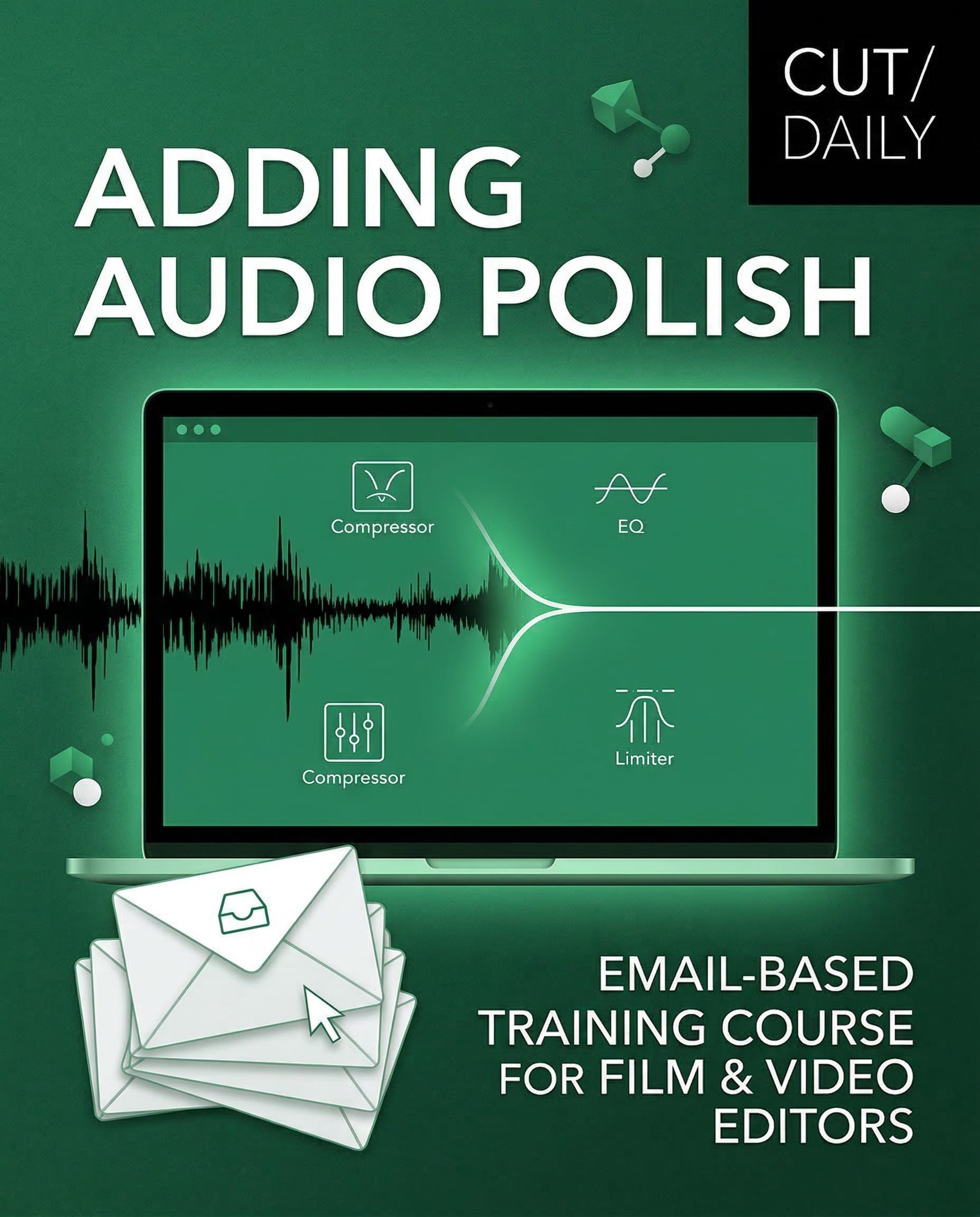
Adding Audio Polish
Concise email-based training covering the full audio workflow for video editors, including Dialogue, music, sound effects, sound design, and mixing.
All you need to know to add Audio Polish to every project without becoming an audio engineer.
7 emails delivered to your inbox over a week.
How it works
7 emails. One a day. Yours to keep.
Each lesson arrives in your inbox and stays there. No logins, no portals, no platforms.
If you only read the emails, you'll have everything you need to add professional-standard audio polish to every project you deliver.
If you follow all the links, you'll find curated tutorials, breakdowns, and interviews that go miles deeper — at exactly the pace and depth you want.
The final lesson includes a complete checklist and a Google Doc you can bookmark and return to on every project.
Works in any NLE — Premiere Pro, DaVinci Resolve, Final Cut Pro, Avid, or anything else.
Who this is for
This course is built for video editors — not audio engineers.
It's for you if:
- You handle your own audio and want to do it properly
- You've been told “the audio needs work” and didn't know where to start
- You want to improve the quality before handing off to a professional mixer
- You're working without a dedicated sound team and need a complete framework
- You're an editor at any level — from freelance to in-house to broadcast
Who this course is not for
- Dedicated audio engineers or sound designers looking for advanced mixing techniques
- Anyone wanting a DAW-specific masterclass
- Editors who want a lazy solution
This course teaches a complete workflow and the thinking behind it.
The techniques apply in any software, using native tools — though we point to plugins where they genuinely help.
$49 $29 — Limited time launch price
7 emails. One a week.
Read in 15 minutes each.
30-day money-back guarantee.
FAQ
Do I need to know anything about audio already?
Not really. The course starts from first principles and builds up. If you already have some audio knowledge, you'll find things to sharpen and a framework to hang it all on.
Which software does it work with?
All of it. The course covers concepts, workflow, and technique — not software-specific button-pushing. You'll be able to apply it in Premiere Pro, DaVinci Resolve, Final Cut Pro, Avid, or anything else.
How long does each lesson take?
Each email is readable in 5–15 minutes. The curated resources in each lesson can take you much deeper if you want to go there — but they're optional.
What if I fall behind?
The emails are yours to keep. There's no deadline. Read them on your schedule.
Can I get a refund?
Yes. If you go through the course and don't find anything in it useful, email within 30 days of purchase for a full refund. No questions asked.
I'm a working editor — is this actually practical?
Yes. This course was built from the ground up for editors working on real projects. Every technique covered uses tools you already have. The checklist in the final lesson is something you can use on your very next project.
Adding Audio Polish Matters
Your audio may be the last thing you think about. Make it the thing that sets you apart.
Adding Audio Polish gives you the complete framework to work through dialogue, music, sound effects, sound design, and mixing — in the right order, with the right techniques — in just one week.
$49 | $29 — Limited time launch price
7 emails. One a week.
Read in 15 minutes each.
30-day money-back guarantee.