
#478 – Family fun sized bits and bobs
Hello.
It's me again.
Thanks very much for opening these emails each week.
If you've been reading this for a while, or if this is your first time*, I'm glad you're here too. We all do better when we all do better.
I thought I didn't have that much to say this week, but this Issue turned into a family-fun-sized sharing bag of recent bits and bobs from the world of Post.
I hope you will find these interesting, inspiring or entertaining.
(You can probably only choose two.)
Let's tuck in:
- Apparently, Amazon is using AI to edit recaps.
- Kling to your Nano Banana. Try major Gen-AI video models in one place.
- Premiere Pro's useful new tools and 93,000 free stock shots.
- After 5 hours, it was still a good experience.
- Final Black Friday sales worth a second look.
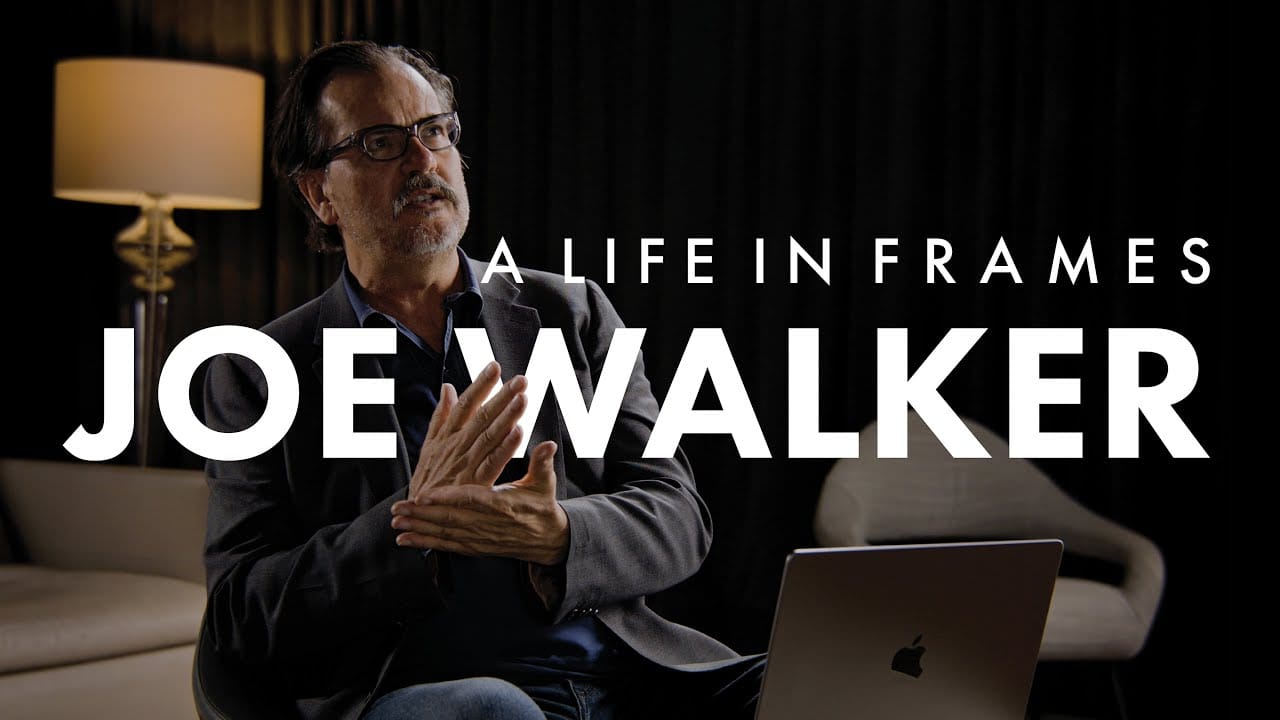
*If this is your first time, pause now and watch this new short documentary on Editor Joe Walker, ACE. It's sublime.
Also take a look at this Issue for a tour of almost everything Cut/daily has to offer.
Amazon Prime's AI Re-Caps
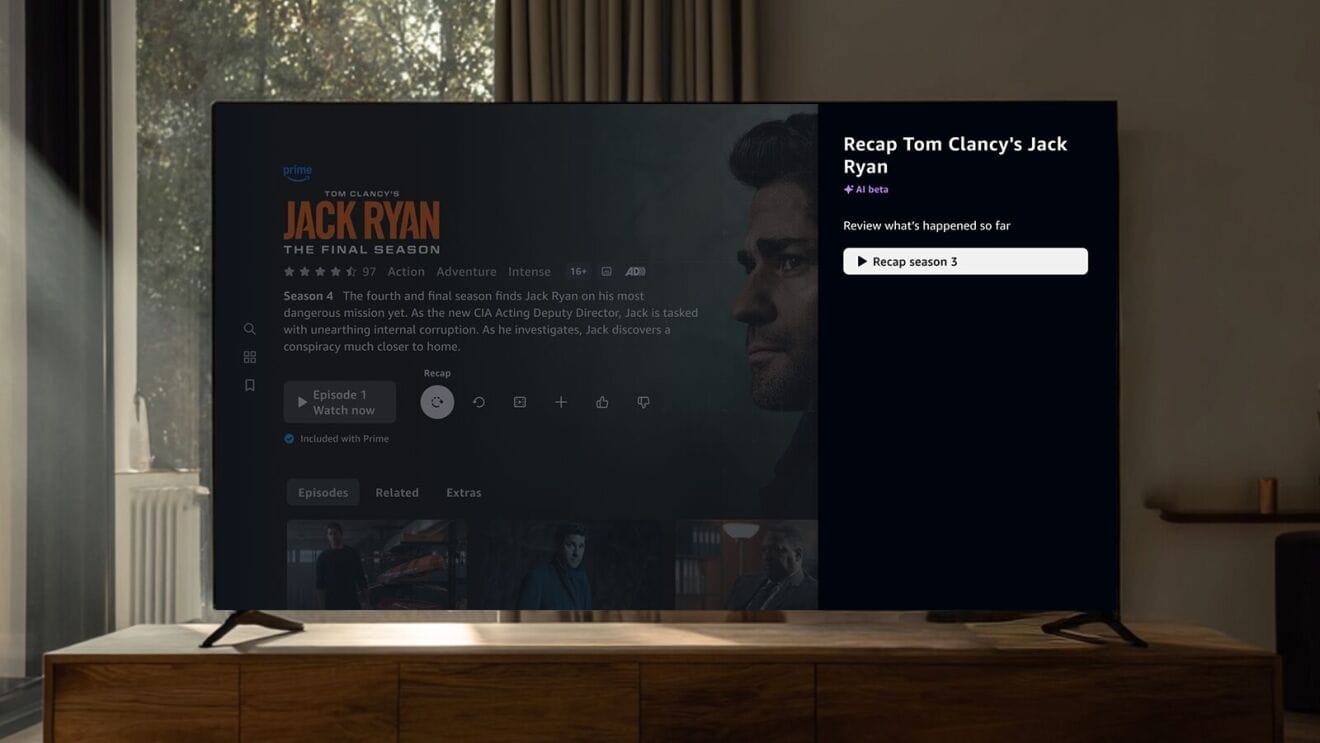
Amazon Prime announced a few weeks ago that they're rolling out a beta feature to use AI to create season re-caps for ‘select English-language Prime Original series in the U.S.’
With the help of generative AI, the Video Recaps feature analyzes a season’s key plot points and character arcs to deeply understand the most pivotal moments that will resonate with viewers as they enter the next season.
Then, the AI finds the most compelling video clips and pairs them with audio effects, dialogue snippets, and music. These are all stitched together with an overarching AI-generated voiceover narration to deliver a theatrical-quality visual recap.
This I really don't understand.
Presumably the re-cap will be exactly the same for everyone who watches it?
It won't be generated on the fly every time. That would be incredibly wasteful.
So why not pay an editor to make two (one with spoilers, one without) as part of delivering the series? Then, you know, it will actually be good.
As The Verge notes:
But does Amazon really need to use AI to create these summaries and open the door for inaccuracies that could cause confusion as you dive into a new season?
Making Video Recaps available for every season of every show available on Prime could potentially justify the use of AI, but there’s fewer than 20 original drama series on the platform, and this rollout doesn’t even include all of them.
Where does this take us?
I'm not sure, but it seems like one of those times where people have gotten carried away using AI for everything just because they could and not because they should.
Hopefully the AI versions will be junky and the pendulum will swing back towards the safety and creativity of humanity.
Kling to your Nano Banana

Every week there's a ‘game-changing’ new generative-AI video model you've just ‘got to see!!’ (You don't.)
But if you're professionally curious, and want to play with these new tools, then having them all in one playground makes a lot of practical and financial sense.
Artlist has deeply pivoted towards building this playground and routinely offers access to the latest and greatest models as soon as they become available as part of their single monthly subscription.
FYI: Right now, Artlist's AI Suite is 40% off and their everything tier, Artlist Max, is 20% off. (These links also get you 2 months extra free!)
This is also handy if a new model isn't available in your country yet – they often roll out in the U.S. before they tumble out elsewhere.
Currenty, Artlist offers these models:
- Kling — 1.6, 2.1, 2.1 Master, 2.5 Turbo, 2.6 Pro and 01 Video
- Sora (OpenAI) — 2, 2 Pro,
- Google Veo — 3, 3 Fast, 3.1, 3.1 Fast,
- Seedance V1 (who I've never heard of).
Personally, I'm more interested in using Gen-AI video tools to augment real shots, think compositing in VFX crowds, set extensions, object removal, matte paintings etc. rather than printing them out in a pre-fabricated fashion.
Rummage in this previous Issue for some tips on getting started #447 – Workflow Tips for AI-Generated Video, especially the part about ‘perceptual fluency.’
Teleport around your Timeline
Anyway, this week I used the new Nano Banana Pro to make the app icon above for (yet another) useful tool I've built using (yet again) Claude Code.
This one lets you set an anchor down in your timeline and then teleport back to it in a click.
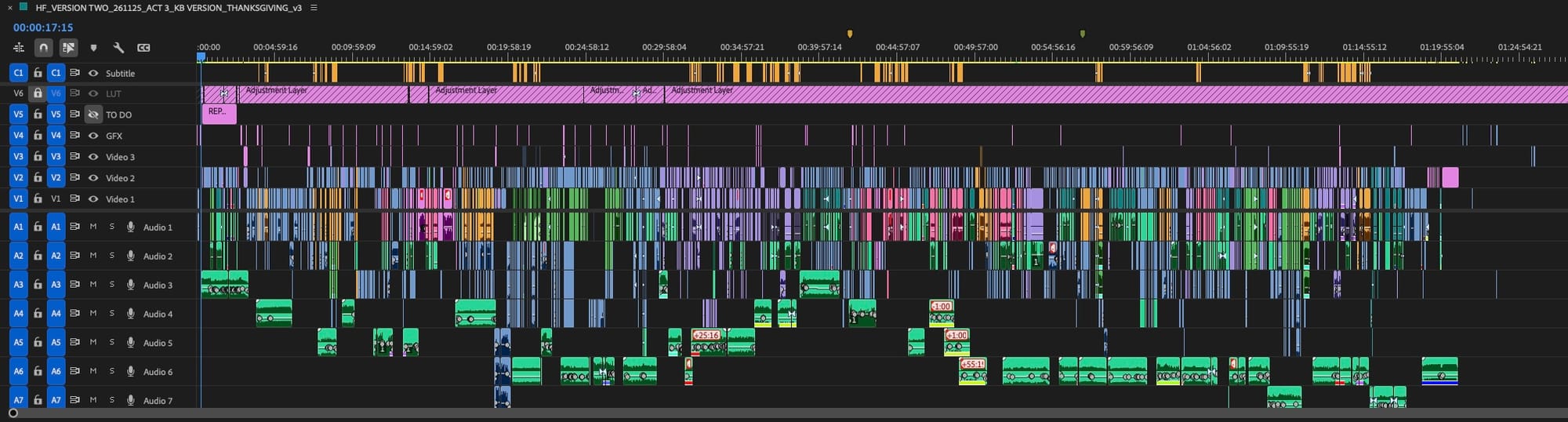
I found that when I was sitting with the director we spent hours shuttling back and forth in the timeline swapping shots or moving stuff around and I often got lost as to where I had come from, that I was trying to get back to.
Cue lots of time scrolling, zooming in and out, trying to track colour-specific scenes etc. Yeesh.
Teleport lets you drop an anchor and teleport back to it in a click.
Would that be useful to you too? Hit reply and let me know!
Back to the AI chat. I'm not a designer and Nano Banana was good enough for the use-case in question.
As I said in my opus of an Issue #433 – How to become great in the age of AI, we're still in the “Clip Art era” of AI. Those who would not or cannot hire a professional illustrator will use the AI-generated clip art instead and get decent-ish results.