
#482 – Now is the perfect time

To learn something new.
Apropos of the beginning of 2026, I watched this (semi) useful video on how to plan your year.
It's 12 minutes of some YouTuber guru, but there are helpful takeaways I'll summarise in bullet form:
- Finish up stuff from last year to clear the decks for a fresh start
- Or just hit ‘delete all in your inbox’ (I would never do this)
- Think of one big year-defining goal
- marathon, holiday, project, personal transformation, etc.
- Plan 6 mini-adventures - one every other month
- Weekend camping, visit new place, try new thing etc.
- Practice/refine a new habit every quarter
- compounding improvements each year
So, for your first quarter habit, I suggest: getting better at Resolve Studio.
Why learn Resolve Studio?
If you're using the free version of Resolve, well this Issue of Cut/daily is aimed squarely at getting you to upgrade, even if, like me, you don't edit in Resolve much at all.
Why?
Because you're missing out on some valuable tools and career-enhancing skills that could add eye-catching polish to every project you touch in 2026.
For example, using DaVinci Resolve Studio's depth map-related tools to put text behind an object, relight a shot or execute a day-for-night transformation.
Or using Elastic Wave in Fairlight to stretch and squash a dialogue line from a different take into the one you want to use visually.
Being able to 'pop into' DaVinci Resolve Studio and add an effect, process a change or enhance a shot will give you greater editorial super powers without signing up to yet another subscription or some AI platform that over promises and under delivers.
Today's the day.
Download DaVinci Resolve Studio and begin your career-enhancing learning journey.
Why it's time to upgrade to DaVinci Resolve Studio
One of the biggest difference between the Free and Studio version of Resolve is that the AI-empowering Neural Engine, which supports Magic Mask, Depth Maps, IntelliTrack etc, is not in the free version at all.
Other notable differences include:
| Feature | DaVinci Resolve Free | DaVinci Resolve Studio |
| Timeline/Exports Max | 4K | 60fps | 8bit | 32K | 120fps | 10bit+ |
| Export Codecs | H.264/H.265 | All Pro Codecs |
| Multi-user Collaboration | Y | Y |
| AI Neural Engine | N | Y |
| Text-based Editing | N | Y |
| Magic Mask/IntelliTrack | N | Y |
| Noise Reduction/Film Grain/Lens Flares | N | Y |
| AI Audio Clean up | N | Y |
| Ext BMD Hardware | N | Y |
| GPU | 1 | All |
Money Matters
Secondly, DaVinci Resolve Studio is a bargain.
You pay once, you get a lifetime of free updates.
Compare that to being tied to an on-going subscription that locks you out of all of your existing projects the moment you stop paying.
Plus after 3 years, an Adobe Premiere Pro single app subscriber would be around £550/$500 worse off, compared with using DaVinci Resolve.
Blackmagic Design's co-founder and CEO, Grant Petty, has strong words for subscription based apps (like Adobe and Avid):
“Cloud licensors are like slumlords,” he gripes, referring to competitors Adobe and Avid. “You have to keep buying from me and the more you’re loyal, the more you’ll get penalised. It’s like your dog does something nice and you beat it with a stick.”
— Grant Petty, CEO, Blackmagic Design
After 17 years of owning DaVinci Resolve, I don't think MBD will change this pay once, keep it forever model any time soon.
That said, with the inclusion of more and more AI features, some of which could eventually be processed in the cloud (maybe?), BMD may need to add an AI credit subscription or credit packs to cover these additional costs in the future.
But how does today's cost comparison stack up?
| Software | 1st Year Cost | Cost after 3 years |
| DaVinci Resolve | £225 $299 | £225 $299 |
| Adobe Premiere Pro* | £262.51 $263.88 | £787.53 $791.64 |
| Avid Media Composer | £229 – £479 $260 – $540 | £687 – £1437 $780 – $1620 |
| Apple Final Cut Pro | £299 $299 | £299 $299 |
| Adobe Creative Cloud* | £773.86 $779.88 | £2,321.58 $2339.64 |
*These are the 100% list prices, but Adobe runs 50% sales most years and so even if you're an existing subscriber you should definitely ask they chat support team to give you this discount.
I recently updated this post comparing all the major text-to-video AI generation models. The most surprising model can deliver quite stunning 4K HDR...
Try most of them yourself, as an Artlist or Creative Cloud account gives you access to most of the major models in one place.
DaVinci Resolve Studio's Best AI Tools
What are the best DaVinci Resolve Studio tools that actually make it worth the upgrade cost?
Without the DaVinci Resolve Neural Engine in the free version, these are the kinds of tools that you're missing out on:
- Magic Mask – person/object/feature isolation
- Face Detection – Create smart bins of people and objects
- Speed Warp retiming with Neural Optical Flow
- Super Scale – AI upscaling HD to 4K/8K, etc.
- Scene Cut Detection (Neural version) for automating cuts on flat files
- Smart Reframe – auto-reframing for different aspect ratios
- Text-based editing from transcription and AI subtitles
- IntelliTrack AI point tracker for tracking/stabilising
- AI-powered Ultra NR spatial denoise
If you watch the video above, with colorist Darren Mostyn, you'll see how useful the Magic Mask tool is for relighting a shot in Resolve.
There are also a ton of Resolve FX and tools that are Studio only, including:
- Temporal Noise Reduction and AI Spatial/Ultra NR
- Film Grain
- Film Look Creator
- Color Warper enhancements and advanced HDR scopes
- ColorSlice six-vector grading palette
- De-flicker and advanced deinterlacing tools
- Aperture Diffraction
- Automatic Dirt Removal / Dust removal
- Dead Pixel Fixer
- Lens Distortion, Lens Flare / lens reflections and other optical lens FX
- Cinematic Haze
- Defocus Background (AI isolation-based blur)
- Halation/bloom-like functions bundled inside Film Look Creator
- Scripting and automation with DCTLs, LUA and Python
- Remote monitoring and grading sessions
DaVinci Resolve Studio Free Training
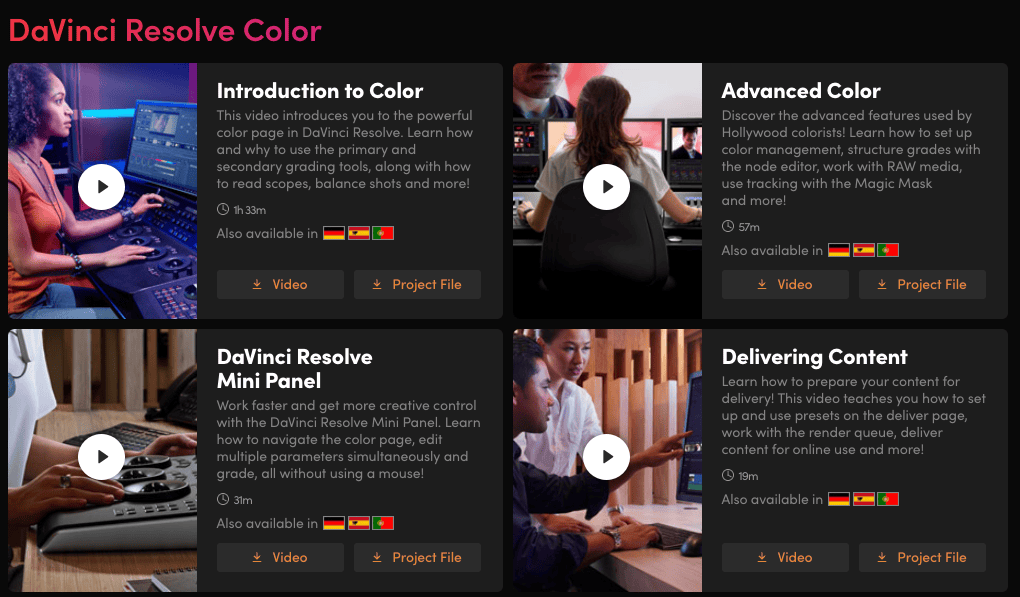
If you didn't know Blackmagic Design has some of the most comprehensive free training available online for each aspect of DaVinci Resolve, including
- free in-depth video courses with follow-along media to download
- free digital versions of their training books
- an exhaustively detailed user manual that's a must read
Check it all out at Blackmagic Designs' official training site.
Bundle & Save
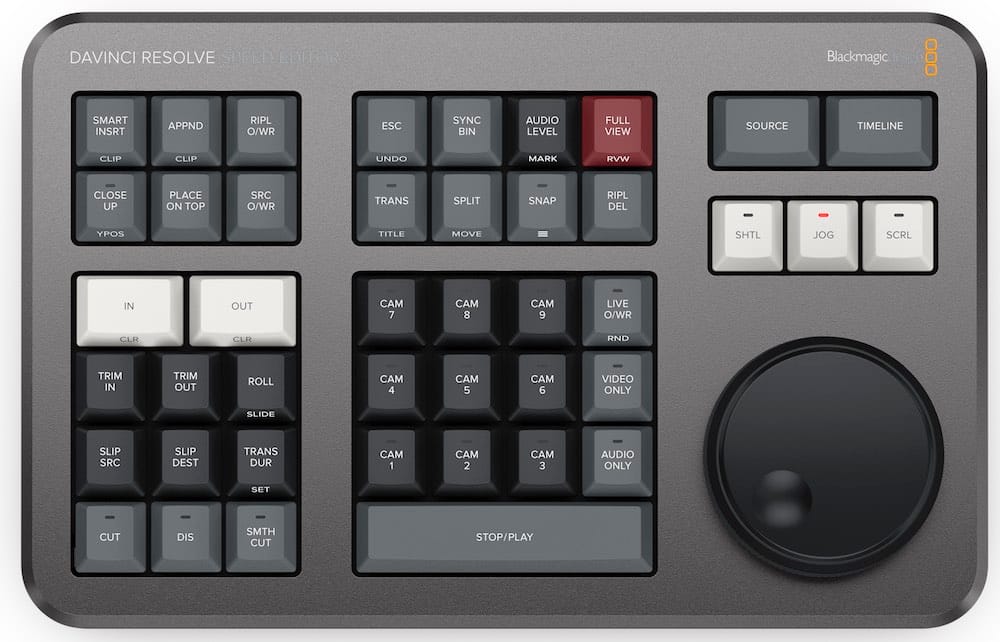
If you're planning on buying DaVinci Resolve Studio, it's worth thinking about whether you should buy it bundled with another piece of Blackmagic Design hardware, as it comes included in the price of many of their cameras and editing or colour grading hardware.
For example, if you buy the DaVinci Resolve Speed Editor* for $475 you'll get $299 worth of DaVinci Resolve Studio included.
This will not only save you money in the long run, but you'll also be set up with the right tools for the job.
DaVinci Resolve Studio is currently bundled with these items:
- DaVinci Resolve Speed Editor
- DaVinci Resolve Editor Keyboard
- Davinci Resolve Replay Editor
- DaVinci Resolve Mini Colour Grading Panel
- DaVinci Resolve Micro Colour Grading Panel
- DaVinci Resolve Advanced Colour Grading Panel
So remember, learn something new and cut daily.
Save money in Post with Cut/daily!
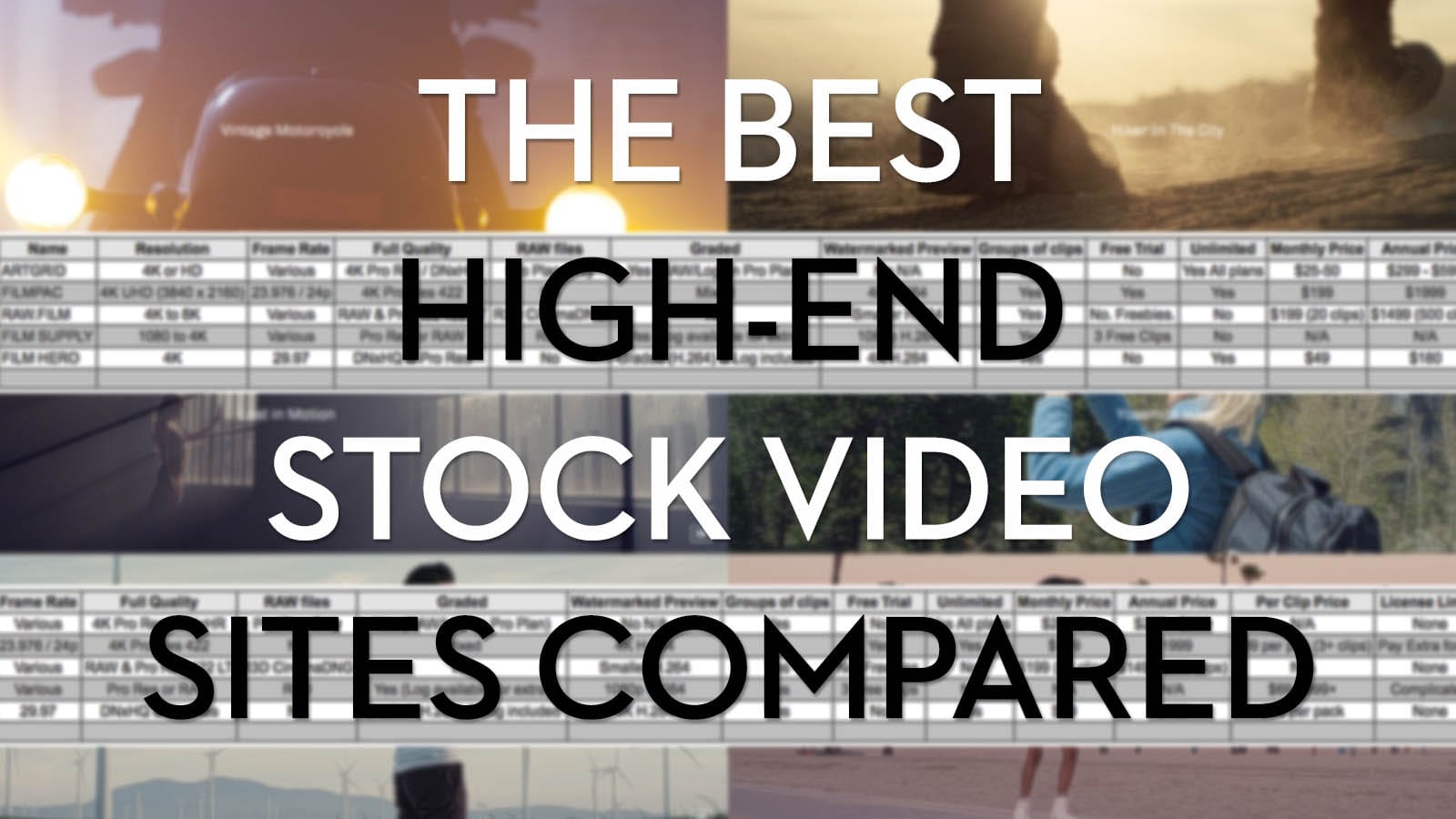
I recently updated this post on the best high-end stock video sites for 2026. Hop over to find some cinematic footage and save $$$ at the same time...
- raw.film – Save 15% on annual ($160 off!) and monthly subscriptions with this special link
- Film Supply – Save 20% at Film Supply with discount code: jonnyelwyn
- FilmPac – Save 10% on an individual Pac with the coupon code: jonnyelwyn