
#487 – AI Hype Vs Reality

I'll be honest with you, this wasn't the Issue I was intending to send this week, I had a bigger announcement in mind.
But I wanted to do that right rather than rushed, so instead this week we get to enjoy a goodie bag of Post Production insights new and old.
Something else to look forward to is next week's bonus Issue of Cut/daily Meets... which will feature a fistful of Oscar nominated editors discussing their craft!
But until then, here's what's in store this week:
- A Beginner's Guide to AI Video - Hype Vs Reality
- How to make a DCP for Film Festival Distribution
- Teleport 2.0 = massive update!
- Revisiting the first ever Cut/daily #001 – A Free App that Gives Back
What it's really like making an AI generated film
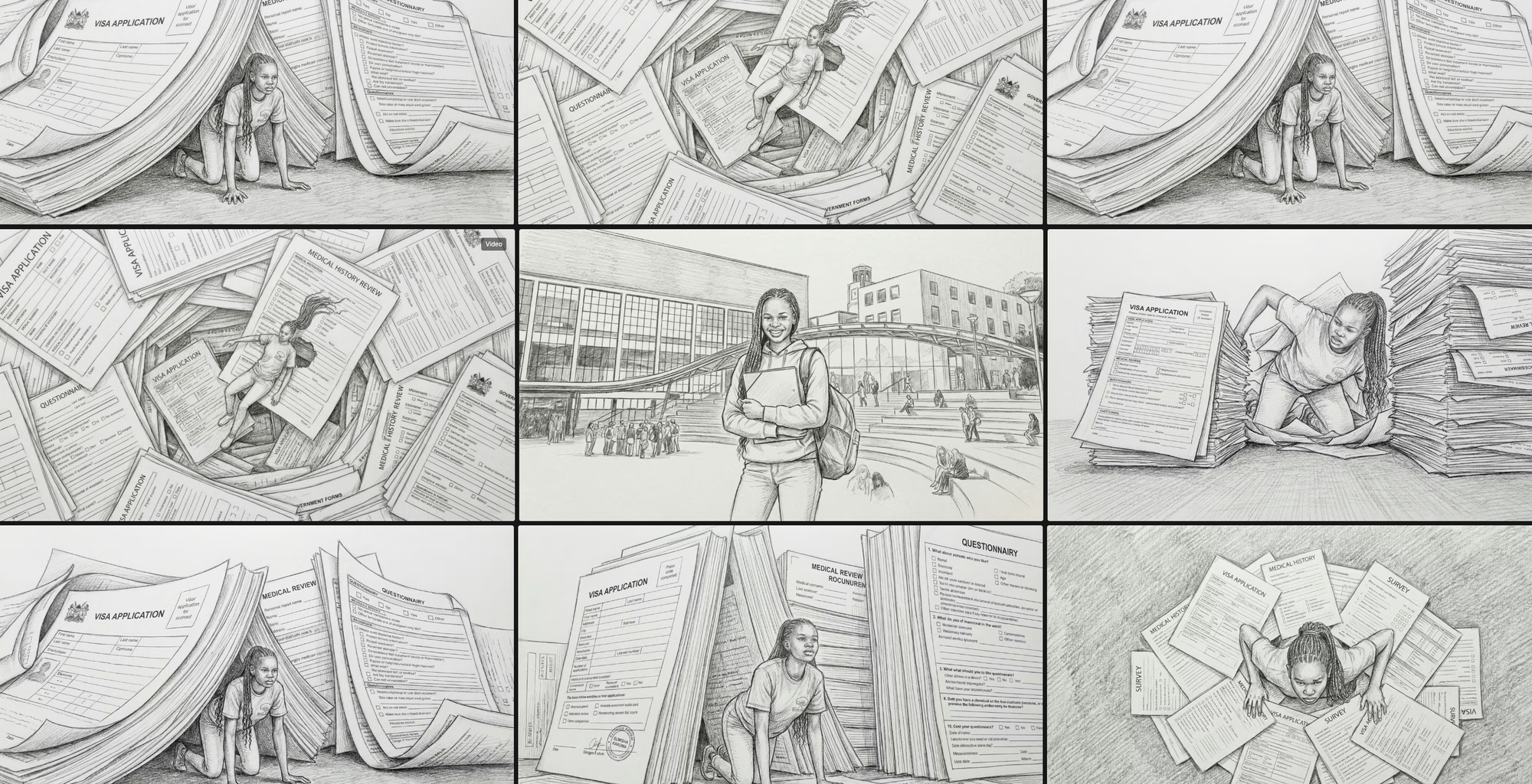
One of the projects I'm on this week is creating some short films for a fundraising dinner for the amazing charity that my wife works for. They help amazing young people access educational opportunities.
Anyway, we only have audio of them telling their stories to work with, so I thought it was the perfect opportunity to put some of this new-fangled AI to good use.
While it is liberating to be able to type anything into the idea box and see something emerge a few moments later, the reality of the production experience is a far cry from the hype you hear about online.
My ultimate conclusion is that AI “filmmaking” follows an animation production pipeline, and is best thought of in that context.
Thusly, here is my current AI production workflow:
- Storyboard all shots and transitions first (doodle by hand for speed!)
- Generate still images with Nano Banana Pro to iron out the details
- Use these as reference images when generating video clips
- Use start and end frames to tie together multiple shots in sequence
- Use Claude/ChatGPT to improve the quality of your initial text prompts
- Sound Design is everything. (Don't waste credits on AI audio)
- Edit as you generate for timing, pace, and maximum impact.
Budget wisely
28 “Suppose one of you wants to build a tower. Won’t you first sit down and estimate the cost to see if you have enough money to complete it?
29 For if you lay the foundation and are not able to finish it, everyone who sees it will ridicule you, 30 saying, ‘This person began to build and wasn’t able to finish.’
Jesus in Luke 14:28-30
These words are thousands of years old but still 100% relevant to AI workflows today. AI costs credits. Credits cost money. Money is finite.
A simple formula for budgeting your credits is something like:
Image cost (x2) + (video generation cost x duration + resolution) x3 = per shot cost.
To explain.
- It will take few image gens to get the correct starting frame for your shot.
- It will almost certainly take more than 1 generation to get to a usable video output. More like two or three or more!
- If your shot needs to be twice as long as the base price for a video generation then it will cost you twice as many credits - per generation.
Therefore it pays to try one or two of your first shots on some of the more affordable models to see if you can get satisfactory results at a lower cost, rather than smashing away on the premium models by default.
One other budgetary consideration is whether it is better to output to a lower resolution save credits and later use AI upscaling (or a tool like Topaz) to bump it back up, or to just generate your initial videos in a higher resolution and accept the added credit cost.
One iron clad rule is that you will need far more generations that you anticipate!
Still, it's fun to learn new things.