
#504 – Shaped by the tools we use

“We shape our tools and thereafter our tools shape us.”
— Father John Culkin, Professor of Communicaiton, Fordham University
This may be a lofty way to start another humble edition of Cut/daily, but so be it.
If you've ever experienced the Sisyphean struggle of tape-to-tape editing, you know all too well that the tools we use shape the art we make.
By now, we all know the AI toothpaste is out of the tube and finding its way into numerous corners of the industry in a haphazard, fragmented, and unstoppable fashion – from genuinely helping to build new tools held by humans, to unleashing a new generation of filmmakers doing old things in new ways.
Today, we'll explore all of this and dive into 14 editing techniques that will actually help you become a better editor.
But first...
This Issue of Cut/daily is brought to you in partnership with Louper.io, which, as you may know, is the best way to live-stream your edit session, so you can fluidly make quick changes that clients can sign off on the spot.
But you may not know that Louper also offers review links too, so you can easily gather feedback from multiple sources ahead of time and use that to kick off a new live edit session - keeping everyone’s thoughts in sync with the right frames in front of them.
This is a thousand times better than screen-sharing Frame.io in Google Meet and hoping for smooth playback. I know this for a fact because this is what I used to do!
You can test drive Louper with free 20 min live streams or start a 10-day free trial to unlock 8-hour sessions and store up to 1TB of assets for review.
Even better, signing up from this referral link awards you $50 in credit when you upgrade to any paid plan.
Headlines
There's always something happening...
- Final Cut Pro 12.3 is out now. Ripple Training has a deep dive on the new features:
- Generate Subtitles | Auto Mask | AI-Powered Match Color | Detect Edits
- Get 25% off any Ripple Training course with code: FREEDOM25
- Adobe is buying Topaz Labs – Expect to see Topaz's industry-standard shot-saving AI enhancement in every Creative Cloud app.
- Adobe is rolling out more ‘agentic assistance’ in the Creative Cloud.
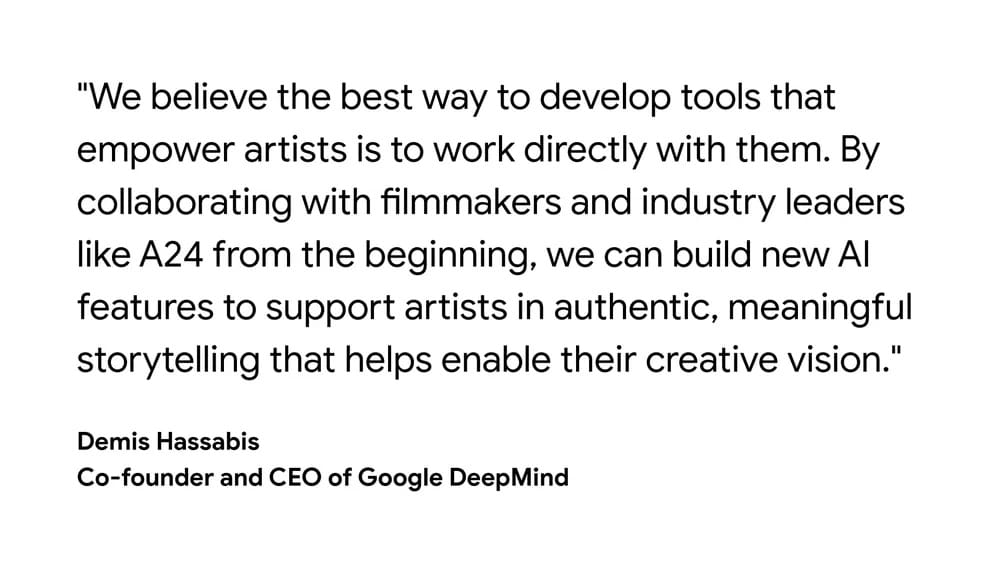
- Google DeepMind invests $75m in A24 — A research partnership to bring AI tools to artists...
- “The partnership will give A24 access to DeepMind’s research and infrastructure, while DeepMind researchers will work with the studio to build out new workflows. The deal does not give Google access to A24’s content library or its data.”
- SMPTE opens the door to its standards — what was once behind a $100+ per-document paywall is now free for all. CineD has a good write-up on it here.
Honourable Mentions
I usually end up sharing every new Bell Brothers video, I can't help myself - but here are some other things you should know about:
Feature & TV Assistant Editing Training on Sale – Master The Workflow is the best training course I know of for learning to work as a professional assistant editor. Get $200 off for only a few more days.
- Read my in-depth reviews here, and here, and also here.
- Includes: Complete course | Digital Codebook (v4.3) | 1 Year membership to MTW community | 3 months custom AI chatbot | Referral Database
- Click this link for the $200 discounted direct checkout.
Learn from Walter Murch & Pro Editors in Person – The Assemble is an unmissable day of editorial insight: 10th July| 9.30 - 7 pm | London | £26
New Features in Free Premiere Tool – Thanks to Cut/daily reader Joseph Wolfenden-Williams for pointing out that the Duplicate and Iterate tool I recommended in #502 – This might help has been updated with some cool new features, including: added depth to versioning, social resizing and audio labels.
Free DCP Tool – Post Production tool developer and professional colorist Nikolai Waldman –who has a raft of useful tools for DaVinci Resolve and multi-drive file management – is looking for feedback on his new DCP authoring tool DaCaPo. It's free in open beta, so if DCP creation is in your future, try it!
You can download all these apps for free?
- Transcriber Translator – Translate foreign audio into subtitles you can read – upgrade when you need Pro-level usage.
- Audio Swap – Don't re-encode deliverables, swap the audio instead.
- XML Parser – Turnover a CSV & Resolve Markers of every Premiere Pro offline adjustment.
- Claude Deck – Track your Claude Code usage on your Stream Deck.