
#521 – Audio Tools & Techniques for Film Editors

Recently, I've been fortunate enough to chat with some spectacularly talented editors, and time and time again the subject of sound design bubbles to the surface of the conversation.
They're often quick to point the finger of success at their sound department colleagues but also to discuss how often those primary decisions and approaches originated in the edit suite.
Good sound saves many a project.
Great sound elevates every project.
In this Issue I'll share both some useful tools and techniques to help you save and elevate your next project's sound design.

Mirelo AI brings AI generated sound effects into your NLE with new DaVinci Resolve and Premiere Pro plugins.
SFX 2.0 watches your footage and generates sound effects that match the action, like the sound of an engine as a car speeds up, right on your timeline. No browser switching needed.
I tested Mirelo with a tricky animated logo sting and, guided by a short prompt, it produced an intricate multi-effect sound design instantly.
Audio Clean Up for Pros
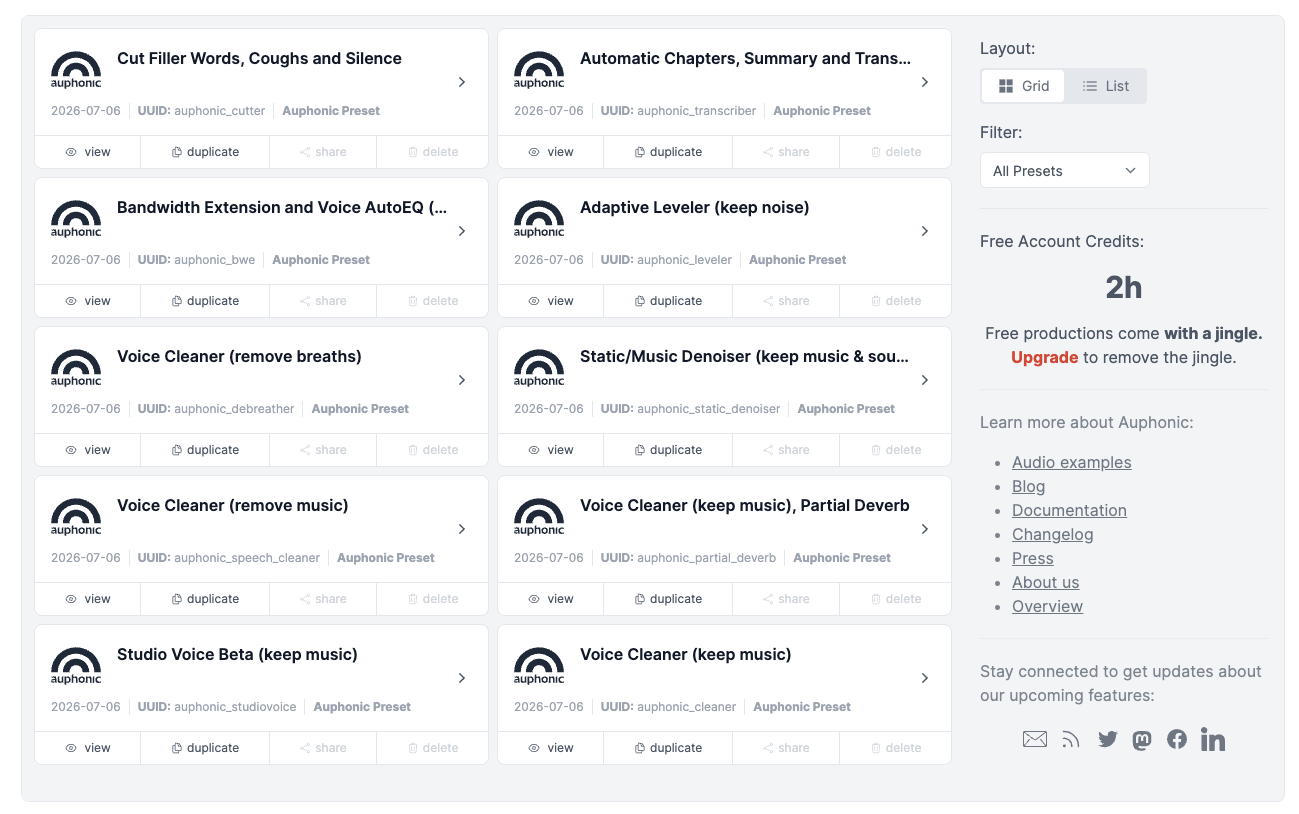
auphonic isn't an AI audio clean up platform that I'd heard of before, but then this week I came across it twice, so I thought I'd better take a look.
It looks like it performs similar audio clean up tasks to Adobe Podcast Enhance*, but with far more specific control and dexterity.
For example, on the denoise page you can hear how it handles a range of different situations, such as removing and fixing:
- mouth clicks, breathing and eating noises
- reverb and wind
- background ambience
- static noise
- music (or isolating it)
- clipping
Test Results
In my own tests auphonic handled removing pretty severe reverb/boxy room noise and also mobile phone interference beautifully from some files I'd previously run through Podcast Enhance.
To be honest I think with better results, it seemed to maintain the natural voice characteristics in a more nuanced fashion and the auto-levelling worked well too.
auphonic might become my go-to clean up tool!
Pro Features
auphonic also delivers additional useful features such as watch folders, a command line interface, batch projects and automation via its external API.
It's worth noting that your audio files are only kept on their servers for 3 weeks.
Cost
A five hour usage credit costs only $12 and never expires or you can get 9 hours every month for just $13.
You can test auphonic for free with 2 hours of credits each month, although these free tests come with a jingle.
*AFAIK Adobe Podcast Enhance V2 is only available online, while the AI audio cleanup now in Premiere is effectively V1.
photon from iztope and borisfx
Boris FX bought iZotope back in July and photon is being billed as the first “research collaboration” between the two companies, with “12 custom-trained machine learning models” under the hood. Photon builds on the previous CrumplePop SoundApp.
Photon is a standalone app and ARA plugin that runs locally on your machine so there's no subscriptions, credits or file transfers to manage.
The audio clean up at the end of the demo video above doesn't sound as compelling compared to what auphonic has to offer but where photon does sound like it shines is in the stem splitting - particularly for music tracks.
So if you need to craft your own music re-edit photon can break a music track into it's component instrutments, or even isolate specific drums too.
Price
It ain't cheap at either a one-time purchase of £246 (down from £329) during their holiday sale or on a rolling subscription at £19/month.
It feels like it's not the kind of thing I personally would use very often, but if I was a trailer editor or cutting something where I had to get extra crafty with a music mix, it might be just the thing to save the day.
That said, if you're an existing Boris FX or iZotope customer they've got a special deal for you.
Close to 100 Happy Clams
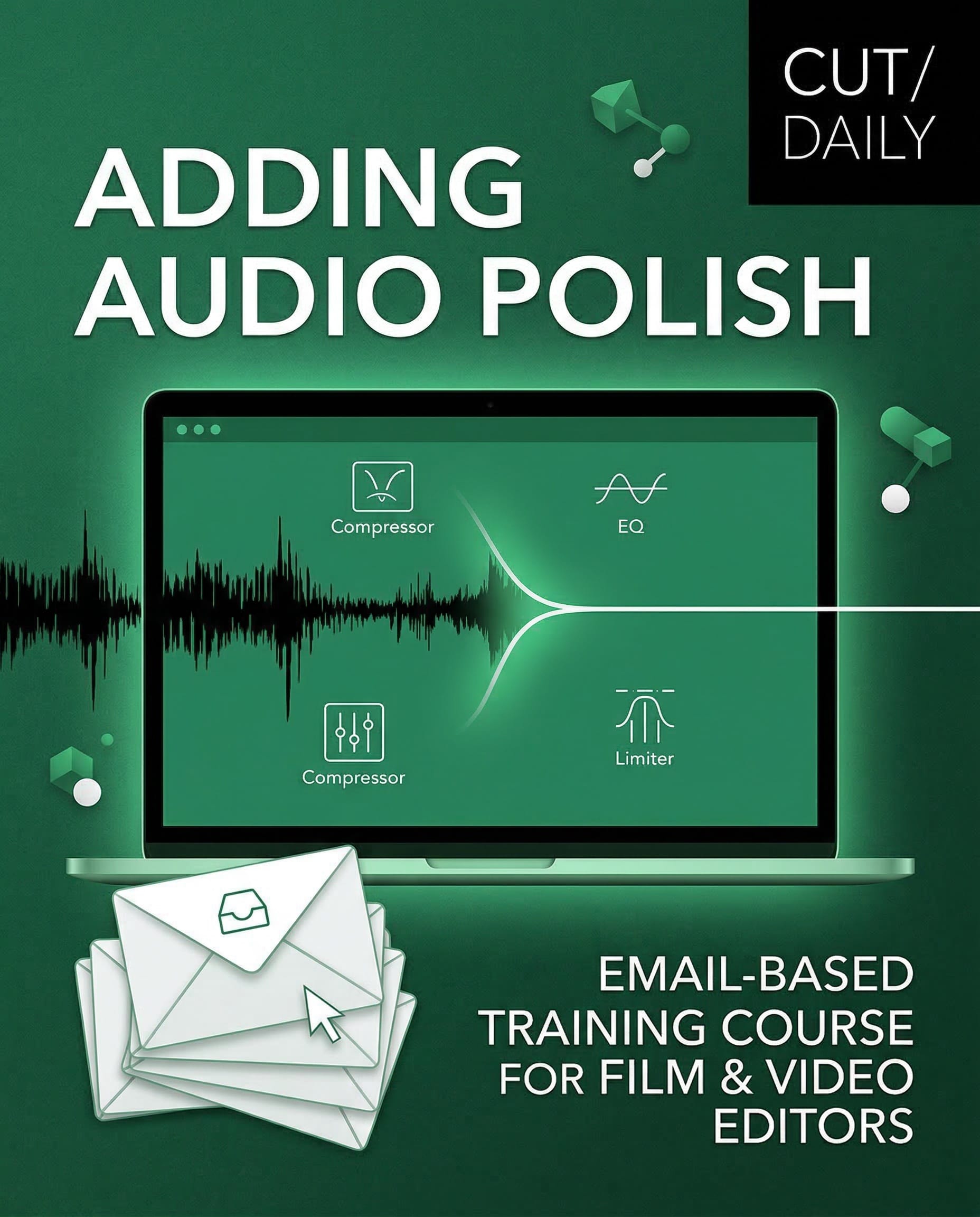
Adding Audio Polish
Concise email-based training covering the full audio workflow for video editors; dialogue, music, sound effects, sound design & mixing.
All you need to know to add Audio Polish to every project without becoming an audio engineer.
Tried and tested by 90+ Editors.
Nearly 100 happy editors have taken Cut/daily's first email-based training course, Adding Audio Polish, and the feedback has been encouraging and constructive.
Editing my first project since taking Adding Audio Polish and it’s already helped me a ton!! So many useful tips and tricks that make a real difference. Keep them coming!
— Editor, Victor Dweck
Click here for a full run down of:
- what the course covers
- who the course is for (and who it isn't for)
- how it works
- why it makes a difference
When should you take it?
Soon!
I'll probably drop the launch price offer by the end of the year, or maybe when the next course launches....
$49 | $29 — Limited time launch price
30-day money-back guarantee.
7 emails. One week.
Read in 15 minutes each.
Speaking of the next one...
Tailor the next Cut/daily training course on AI workflows
Over the last few months I've been pulling together a ton of valuable insights for Cut/daily's next email-based training course on AI workflows in Post.
But it's more important that I hear from you on where you're using AI today, where you're struggling with the results and where you'd most appreciate some professional input.
While I love surveys, not everyone does so there's a special thank you for anyone who completes this super quick survey to help shape the next training to everyone's benefit.